Money Matters · Deep Dive
Alipay Setup Guide
Set it up at home, before you fly — then pay anywhere like a local.
A friendly guide for international visitors · by MagicTrip
Back to Money Matters
Money Matters · Deep Dive
Set it up at home, before you fly — then pay anywhere like a local.
A friendly guide for international visitors · by MagicTrip
Back to Money MattersThree easy steps — all done on your phone, at home.
The Golden Rule: Download, sign up, and add your card at home, before your flight. It takes about 15 minutes — and saves you real stress after you land.
The official Alipay app
Search Alipay on the App Store or Google Play — and look for this exact icon.
There is only one Alipay app in the whole world. It works in English automatically.
Choose your country code, enter your own mobile number.
The app sees your overseas number and opens International Mode by itself — a simple English version made for visitors. Nothing extra to install.
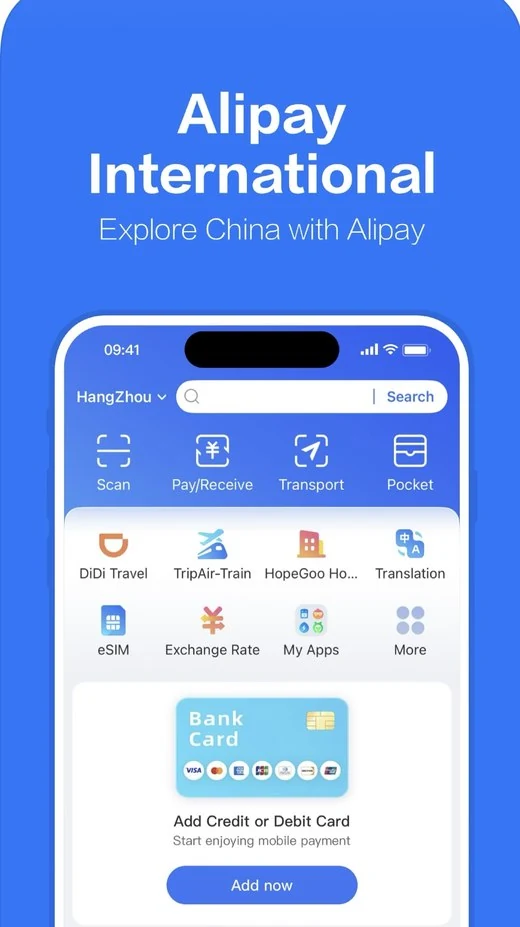
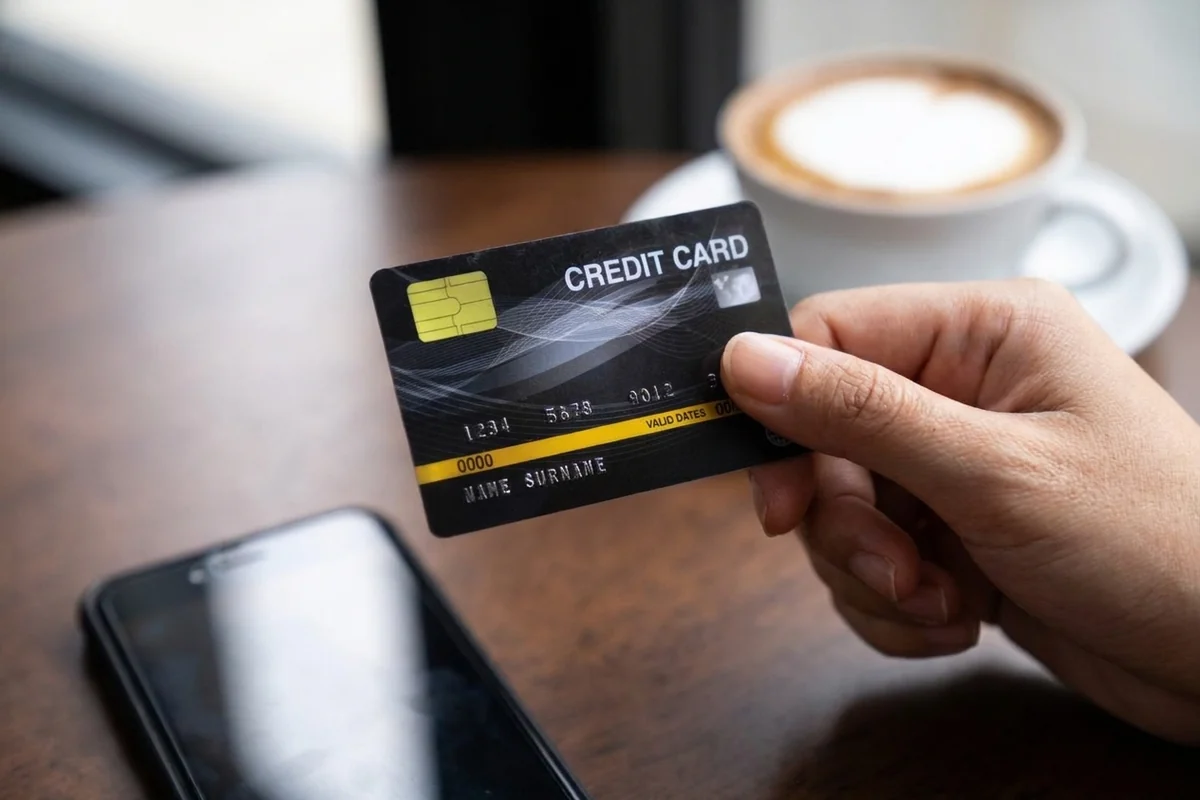
Tap “Add Credit or Debit Card” — your everyday card from home works.
Type your name exactly as it appears on your passport (same order, same spelling).
Prepaid cards, gift cards and most company cards are not accepted.
Fixed? → Try again. It usually works on the second attempt. ✅
How much will you spend? Pick the path that fits your trip.
Coffee, metro rides, snacks, souvenirs.
Up to ≈ ¥15,000 (~US$2,000) in total
Hotels, nice dinners, shopping, longer stays.
Up to US$5,000 per purchase · US$50,000 per year
💡 Most travelers choose Path B. It takes 5 minutes at home — then nothing can stop your payment mid-trip.
At any shop, it is always the same simple move.
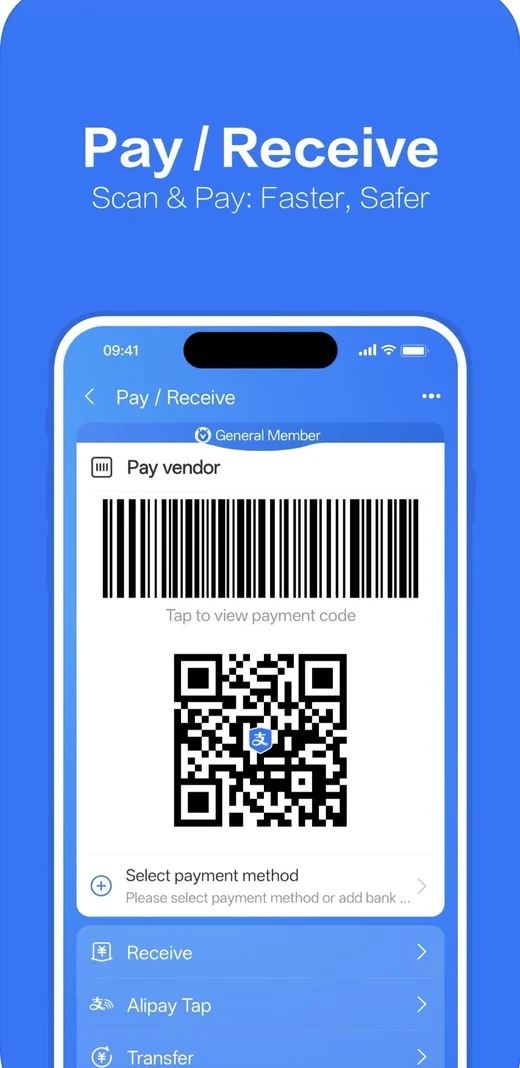
Open Alipay → tap “Scan” → point at the shop’s QR code.
Or tap “Pay/Receive” and show your own code — the cashier scans you. The money comes straight off your bank card.
 Where you see the 支 / Alipay+ sign,
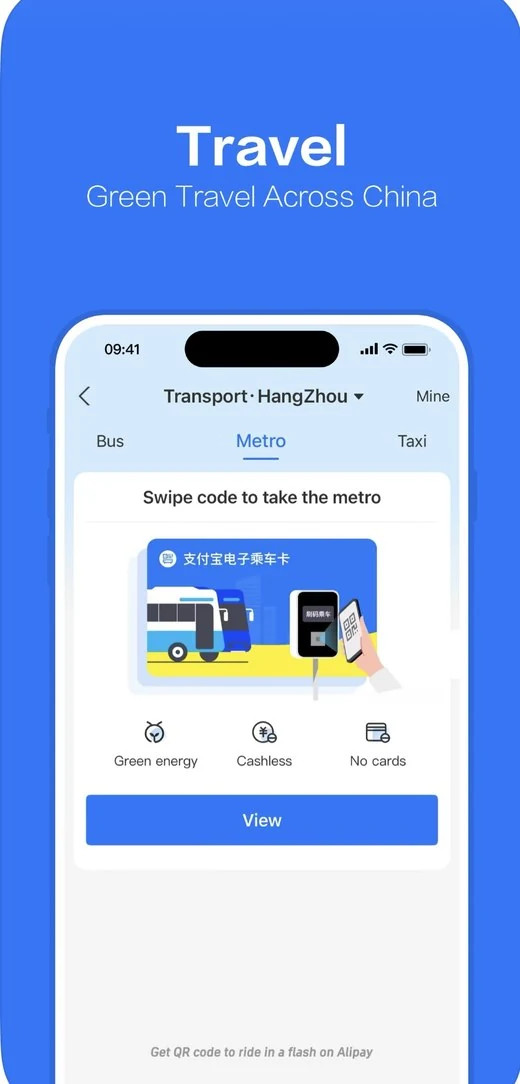
Tap “Transport” on the home screen to get ride codes for metros and buses in cities across China — no tickets, no machines, no coins.
Some tiny shops can’t take foreign cards. No problem — three easy fixes.
Carry ¥200–500 in small notes. By law, every shop must accept cash.
FREETry first
Hand them cash — they send RMB to your Alipay. Now you can pay any QR code.
FREENeeds passport verification (Path B)
A prepaid card inside Alipay — top up from your foreign card. Backup plan only.
~5% top-up feeUse if ①② don’t work

Enjoy China — paying will be the easiest part of your trip.
Fees and limits shown are as of 2026 and can change — the Alipay app always has the final word. This guide is for short-term visitors to mainland China. App screens shown are from the official App Store listing.
The “Alipay+” word mark, the “+” symbol and the Alipay+ mark in any stylization or design are trade marks of Ant Group Co. Ltd. or its affiliate; shown here for identification only. The Alipay app icon and app screenshots are property of Ant Group, shown to help you find the correct official app.
Go back to Money Matters for WeChat Pay, cash, ATMs and more.
← Back to Money Matters